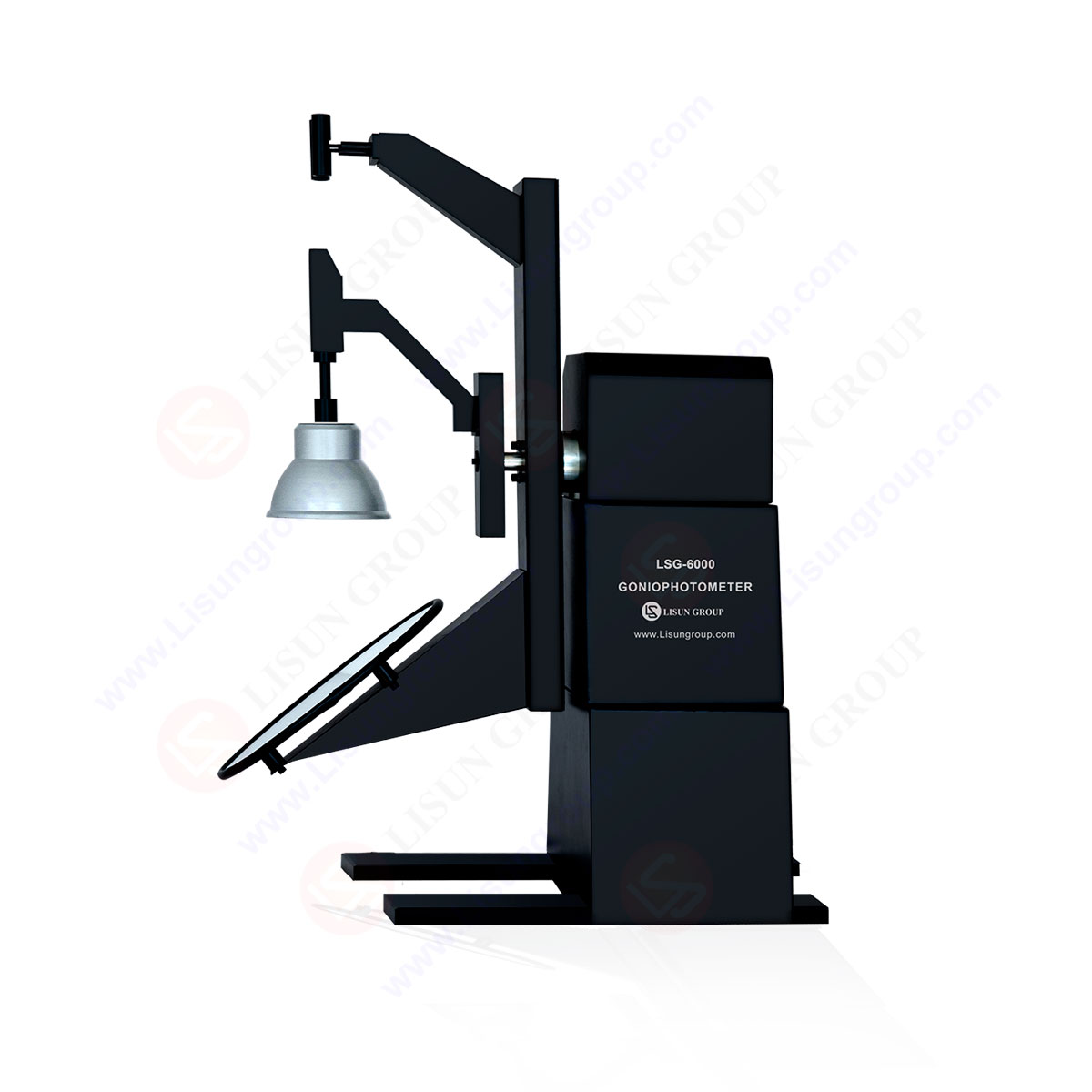
LM-79 Moving Detector Goniophotometer (Mirror Type C)
LSG-6000
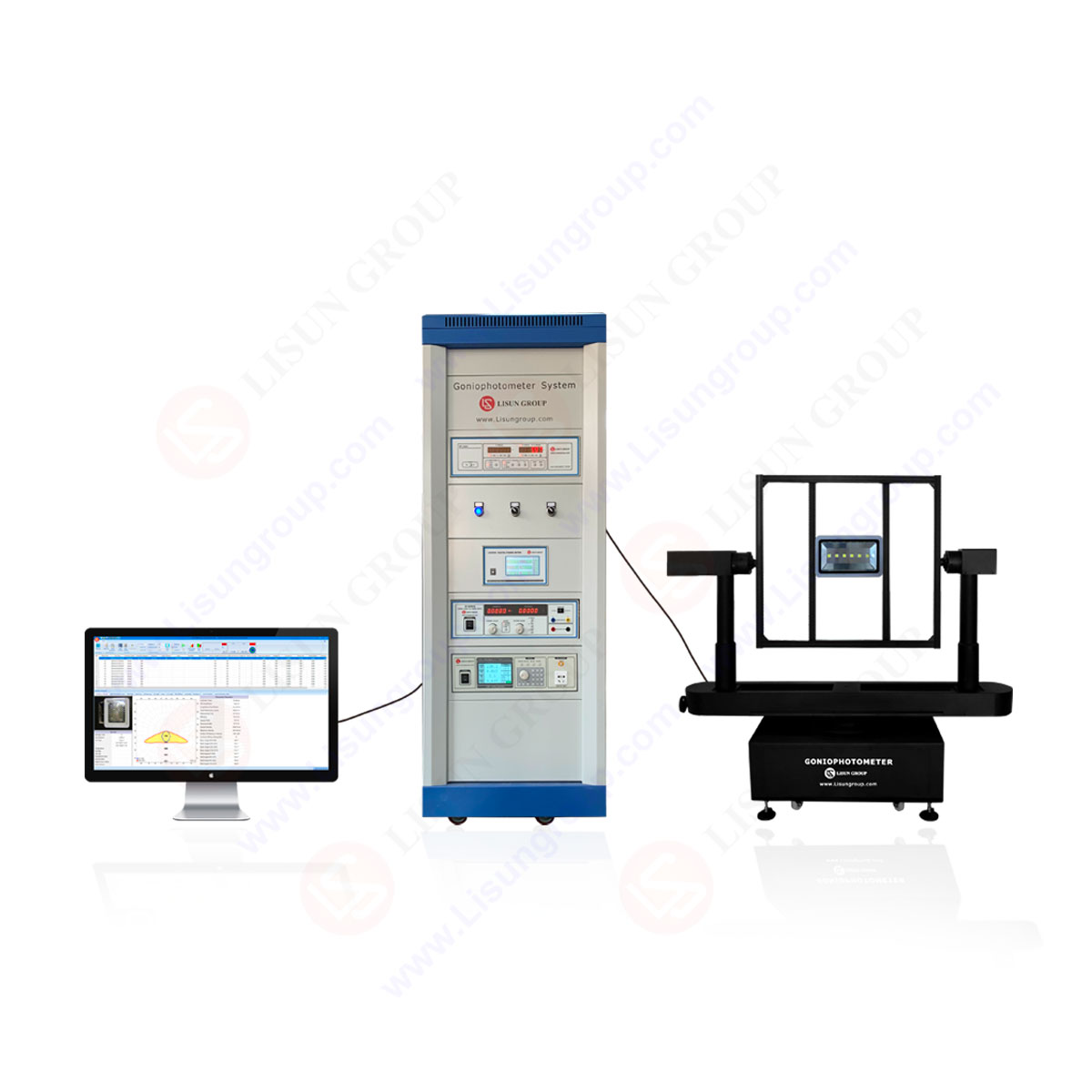
High Precision Rotation Luminaire Goniophotometer
LSG-1890B
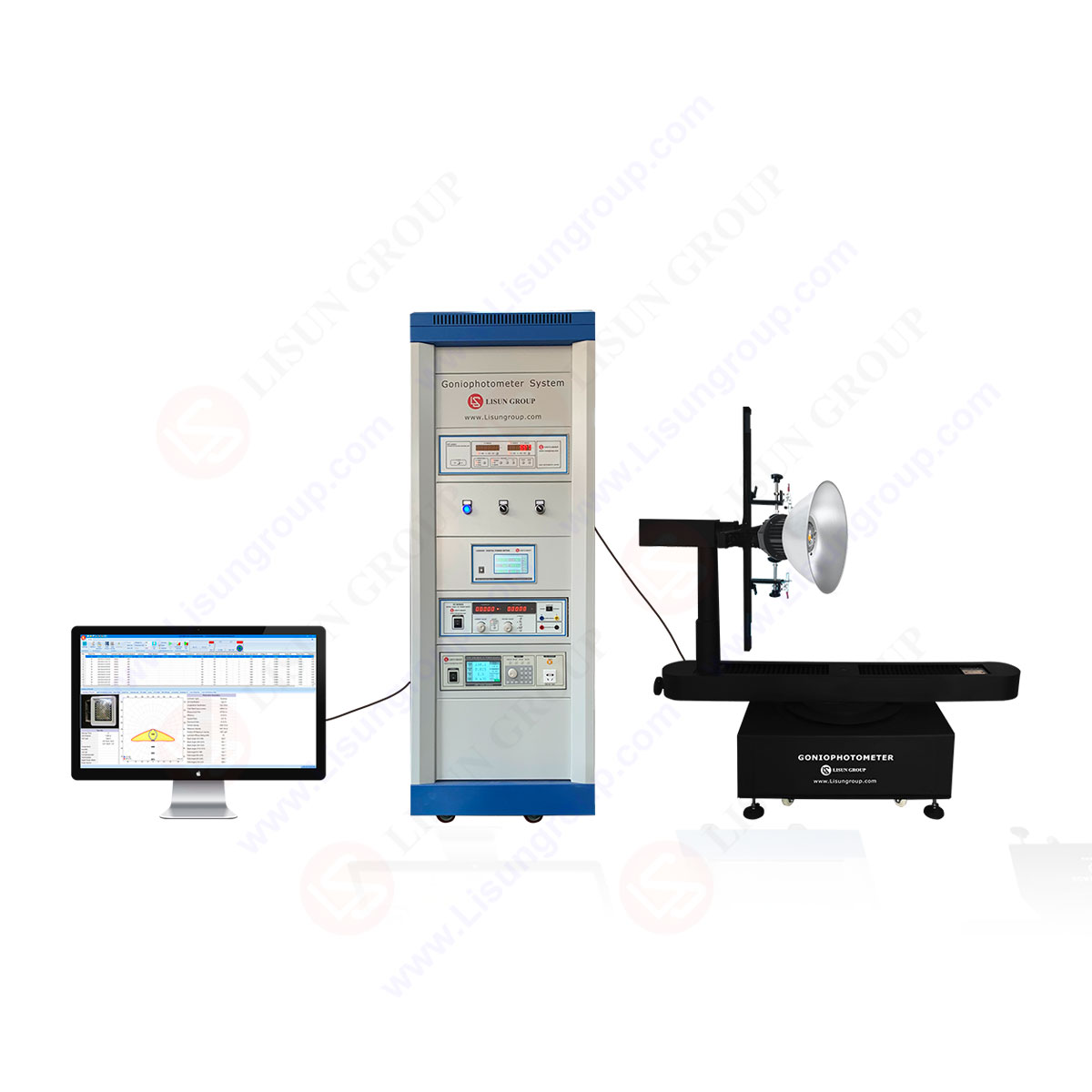
High Precision Rotation Luminaire Goniospectroradiometer
LSG-1890BCCD
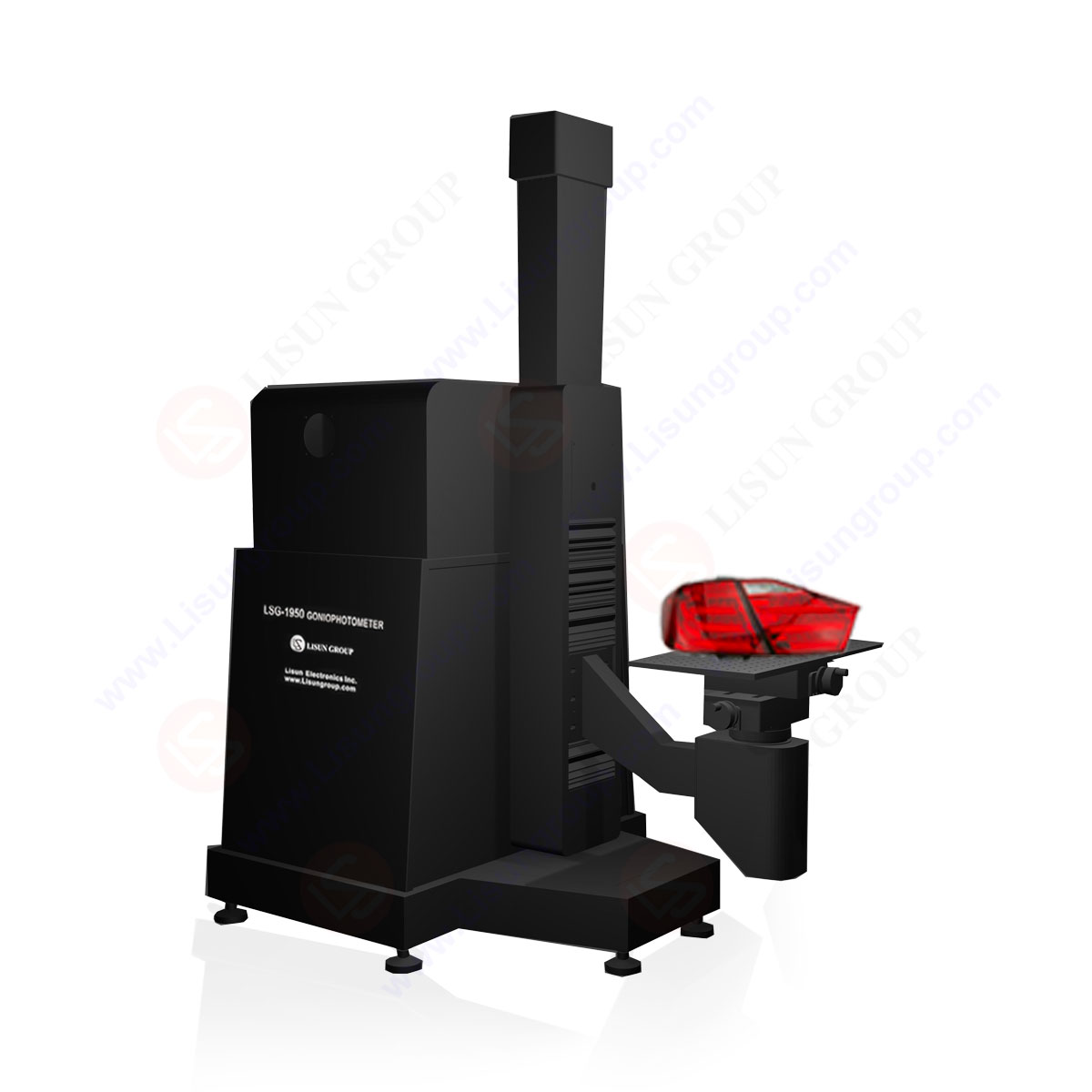
Goniophotometer for Automotive and Signal Lamps
LSG-1950
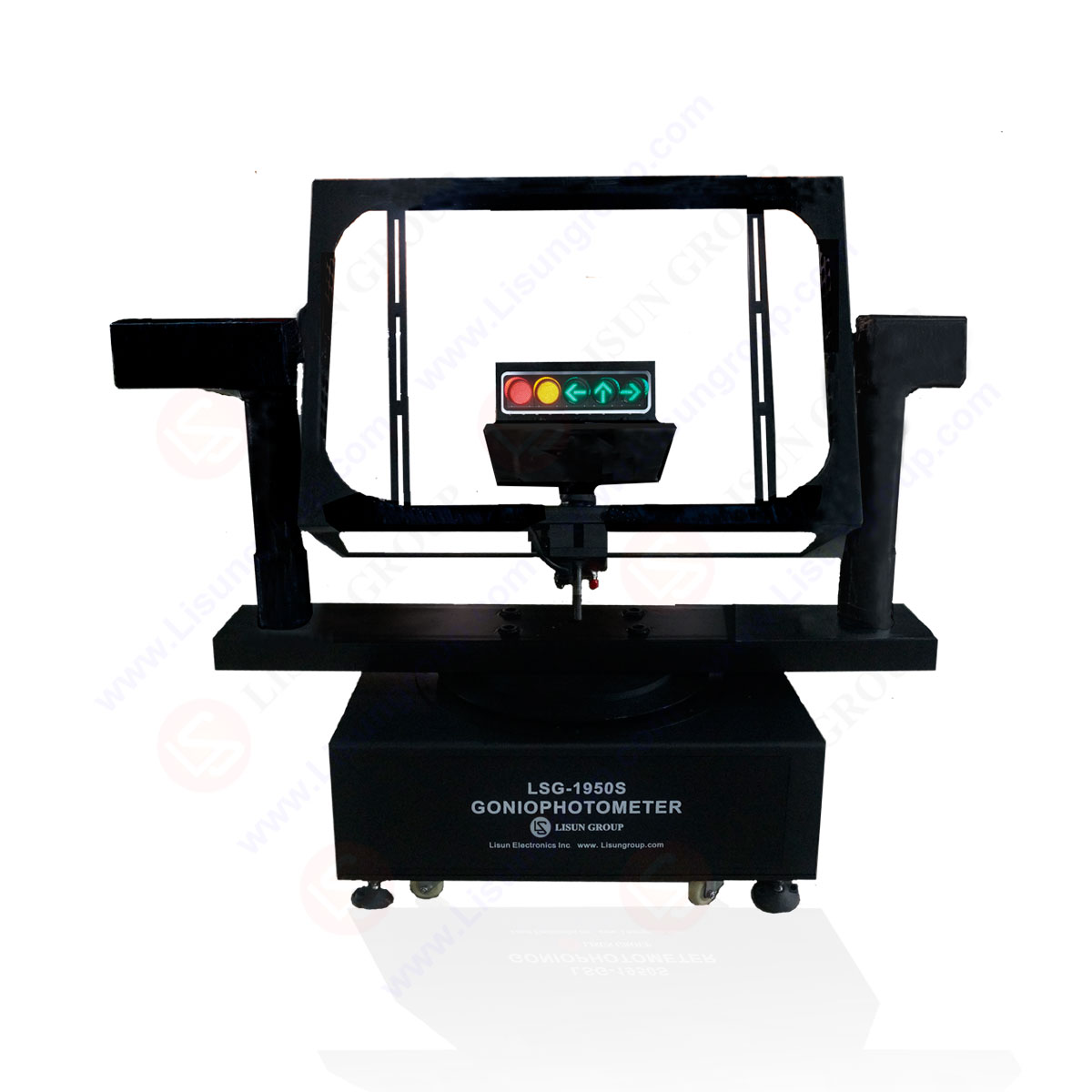
Goniophotometer for Traffic Signal Lamps
LSG-1950S
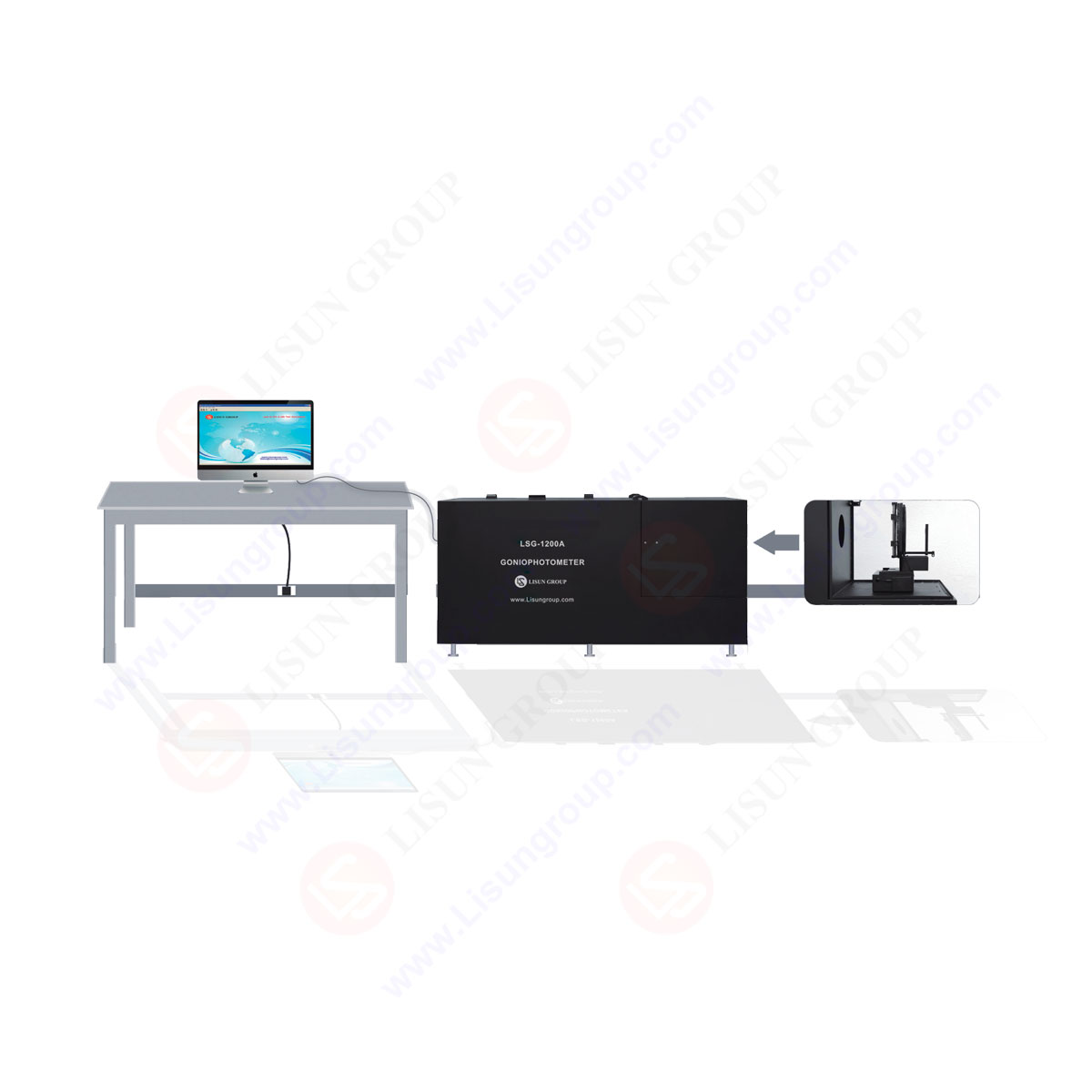
Compact Goniophotometer
LSG-1200A

Near Field Moving Detector Goniophotometer
LSG-1900B
 LEDs and Luminaire Test Solutions
  LM-79 and LM-80 Test Solutions
 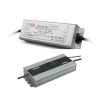 LED Driver Test Solutions
  Household Appliances Test Solutions
  Mobile and Network Test Solutions
  Automotive Electronics Test Solutions
  Audio-Video and IT Test Solutions
  Cable and Wire Test Solutions
  Plugs and Sockets Test Solutions
  Power Switch Test Solutions
  Transformer Test Solutions
  Electric Toys Test Solutions
  Energy Meter Test Solutions
  Motor-Operated Tool Test Solutions
 Select an organization
to browse standards
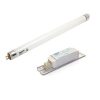
WT5000 Electronic Ballast Tester is the updated version of WT3000 with a super LCD for displaying waveforms and parameters directly, and it includes all the functions and technical parameters of WT3000. Reports can be printed if printer is connected. It also meets the latest requirements for electronic ballasts in international standards IEC 60929, IEC 60969, IEC 61000-3-2, GB/T15144-2005, GB/T17263-1998 , GB/T-17625.1 and so on.
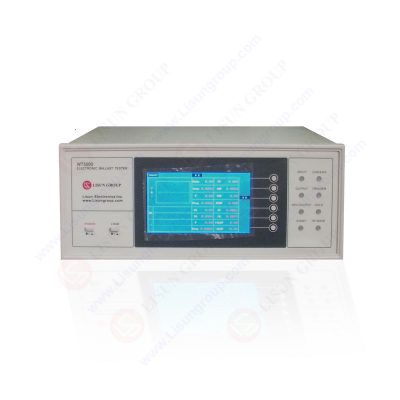
WT5000 Electronic Ballast Tester
Specifications:
• WT5000 has expanding analysis for envelope wave

• WT5000 has Super LCD which can display the test report directly but no need to connect with PC
• Communicate the PC via RS-232, the English software can be run in WinXP, Win7 and Win8
• Accuracy for Voltage, Current and Power: ± (0.1% reading+0.1% range+1 word)
• Accuracy for Power Factor: ± (0.002+0.001/reading+1 word); Accuracy for Frequency: ±0.1% reading
• Accuracy for Harmonic (Virtual Value): ± (0.1% range+5% reading)
• Accuracy for Imported Cathodic current: ± (1% reading+1% range+2 word)
• Accuracy for Oscillation frequency: ± 0.5% reading
Q1: The software is unable to communicate with the device normally
A1: The device is connected to the computer through an RS232 cable. If the computer does not have an RS232 port, it needs to be connected using an RS232-USB adapter cable. The RS232-USB adapter cable requires its driver to be installed on the computer before it can be used.
After successfully connecting with the computer, please go to the computer “Device Manager” to check the communication port used by the device. The communication port number needs to be no more than 4.
Then enter the software and manually select the correct communication port. You can use the software normally.

Choose The Correct Communication Port
Q2: Inaccurate startup test data
A2: Starting the test requires operating with both the light source and rectifier cooled.
Lisun Instruments Limited was found by LISUN GROUP in 2003. LISUN quality system has been strictly certified by ISO9001:2015. As a CIE Membership, LISUN products are designed based on CIE, IEC and other international or national standards. All products passed CE certificate and authenticated by the third party lab.
Our main products are Goniophotometer, Integrating Sphere, Spectroradiometer, Surge Generator, ESD Simulator Guns, EMI Receiver, EMC Test Equipment, Electrical Safety Tester, Environmental Chamber, Temperature Chamber, Climate Chamber, Thermal Chamber, Salt Spray Test, Dust Test Chamber, Waterproof Test, RoHS Test (EDXRF), Glow Wire Test and Needle Flame Test.
Please feel free to contact us if you need any support.
Tech Dep: Service@Lisungroup.com, Cell/WhatsApp:+8615317907381
Sales Dep: Sales@Lisungroup.com, Cell/WhatsApp:+8618117273997
Your email address will not be published. Required fields are marked *
 English
 中文简体
中文简体 English
 Русский
 Español
 Português
 Türkçe
 العربية
 Deutsch
 Polski
 Italiano
 Français
 한국어
한국어 ไทย
ไทย Tiếng Việt
 日本語
日本語